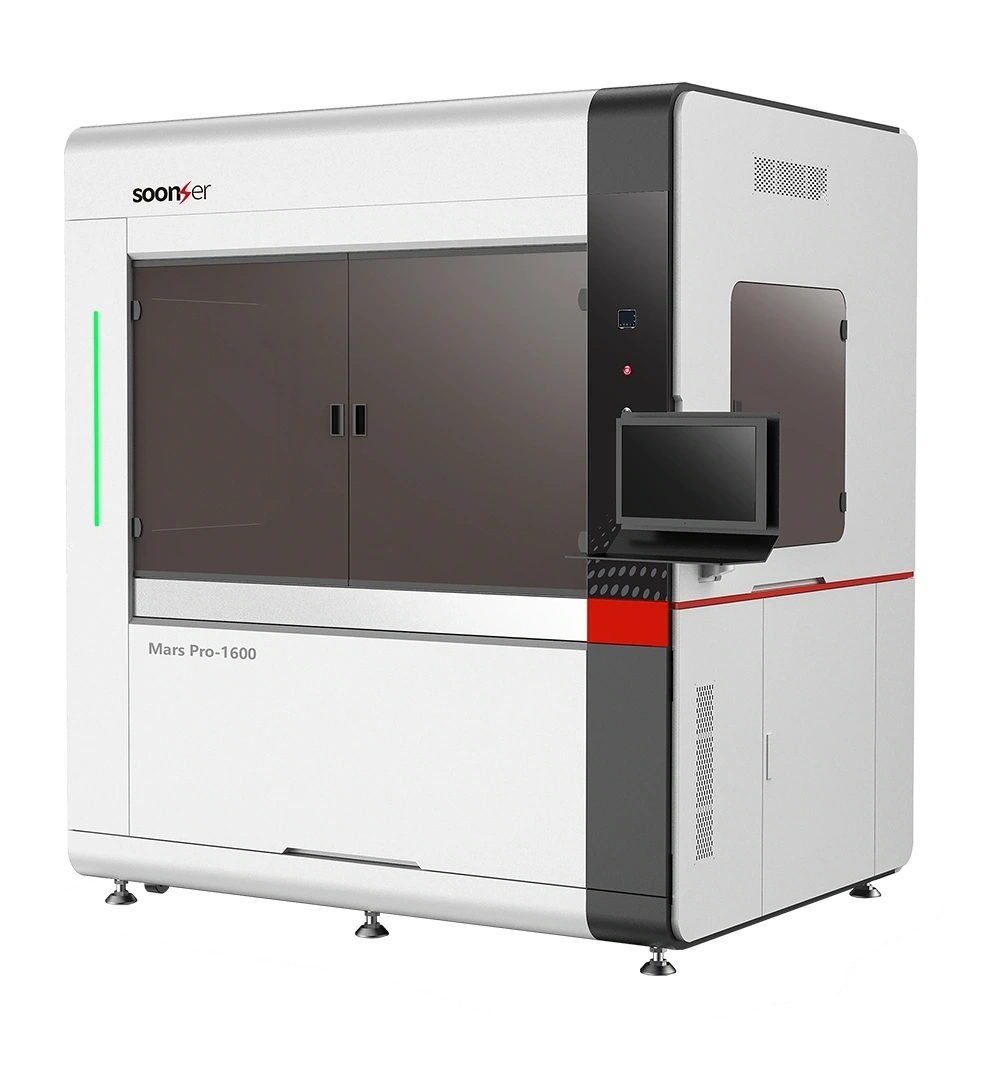
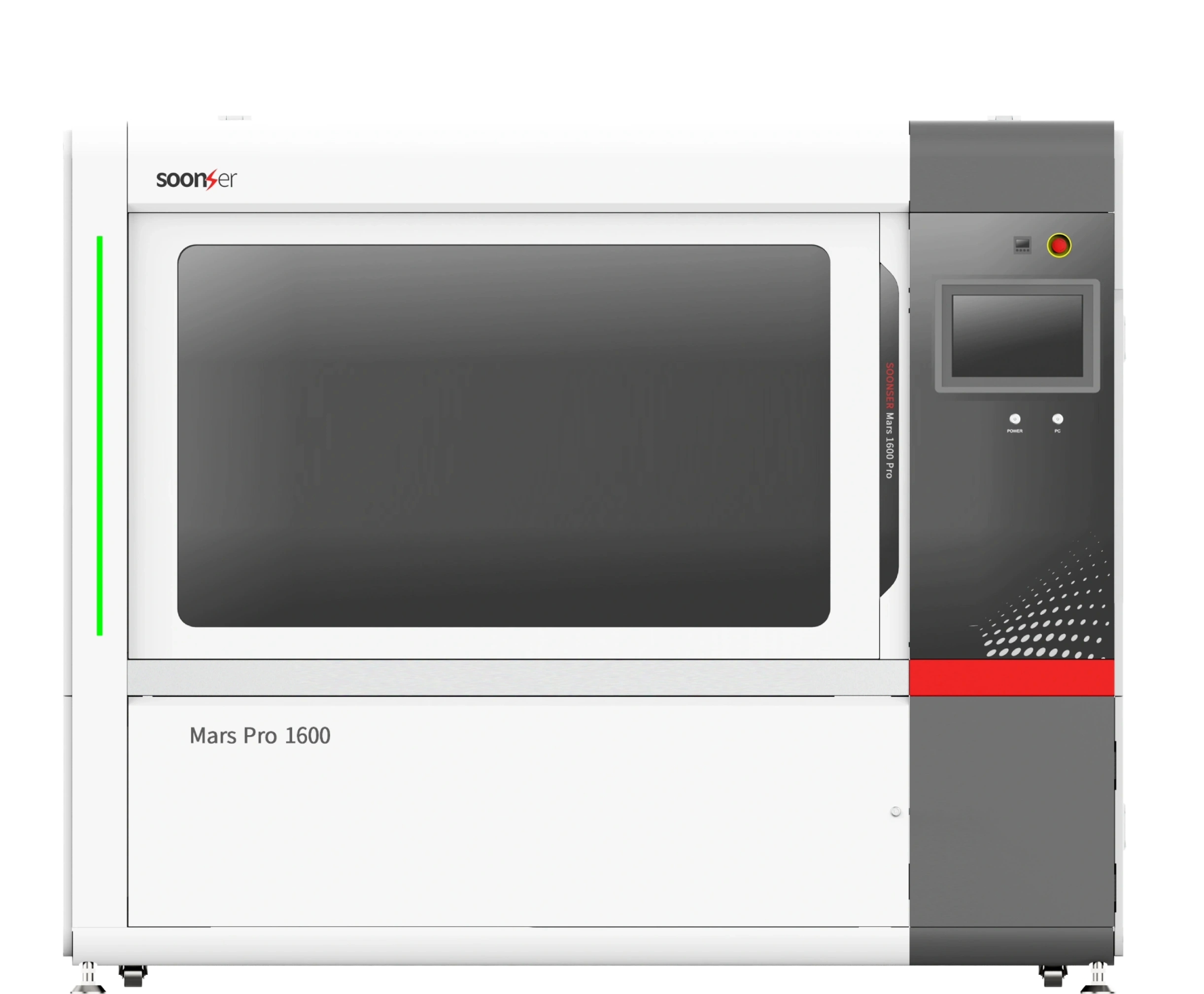
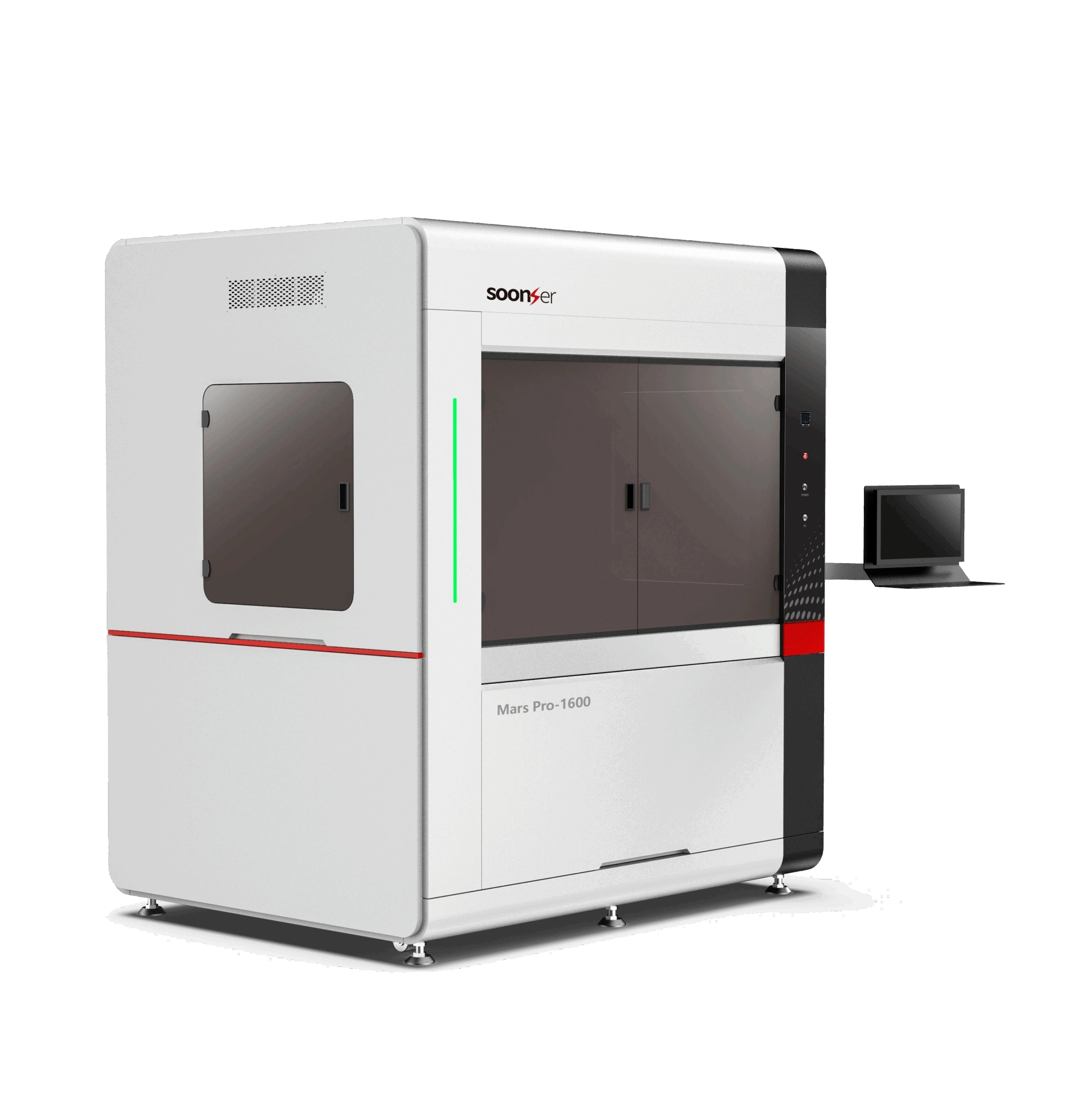
| Build Area | 1600 x 800 x 600mm (63″ x 31″ x 24″) |
| Accuracy | ±.00015″ (L<1″), ±.15%L (L≥4″), ±.1mm (L<100mm), ±.1%L (L≥100mm) |
| Spot Size | 0.08 – 0.80mm (Vario Scan) |
| File Formats | .stl / .slc / .cli |
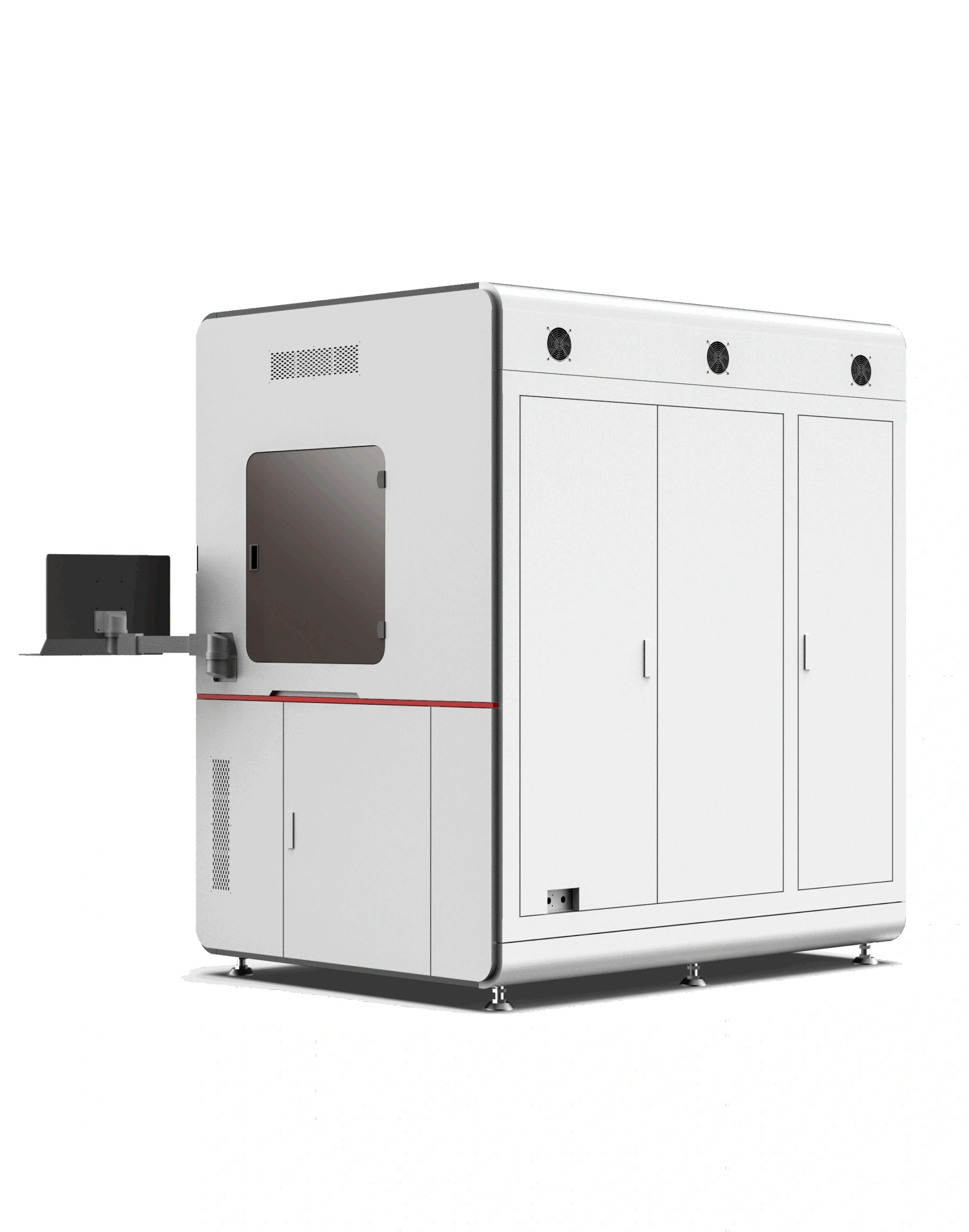
| Printer Dimensions | 1520 x 1320 x 1970mm (59.8″ x 52″ x 77.6″) |
| Printer Weight | 2300KG (5,100lbs) (Without Resin) |
| Power Requirements |
200-240VAC, 50/60Hz, Single Phase 4kW

|

Largest SLA Build Volume – No other printer in its class offers this scale and precision.

Heavy-Duty Industrial Performance – Designed for high-throughput, 24/7 manufacturing.

Premium Engineering & Components – Featuring Schneider, Omron, and Delixi industrial-grade electronics.

Scalable for Large Enterprises – The ultimate solution for industrial production and advanced R&D.

Create full-sized casting patterns, molds, and jigs for industrial manufacturing.

Print oversized functional prototypes and production-grade components.

Manufacture custom anatomical models, and research-grade devices.

Ideal for mass manufacturing high-precision SLA parts with consistent quality.
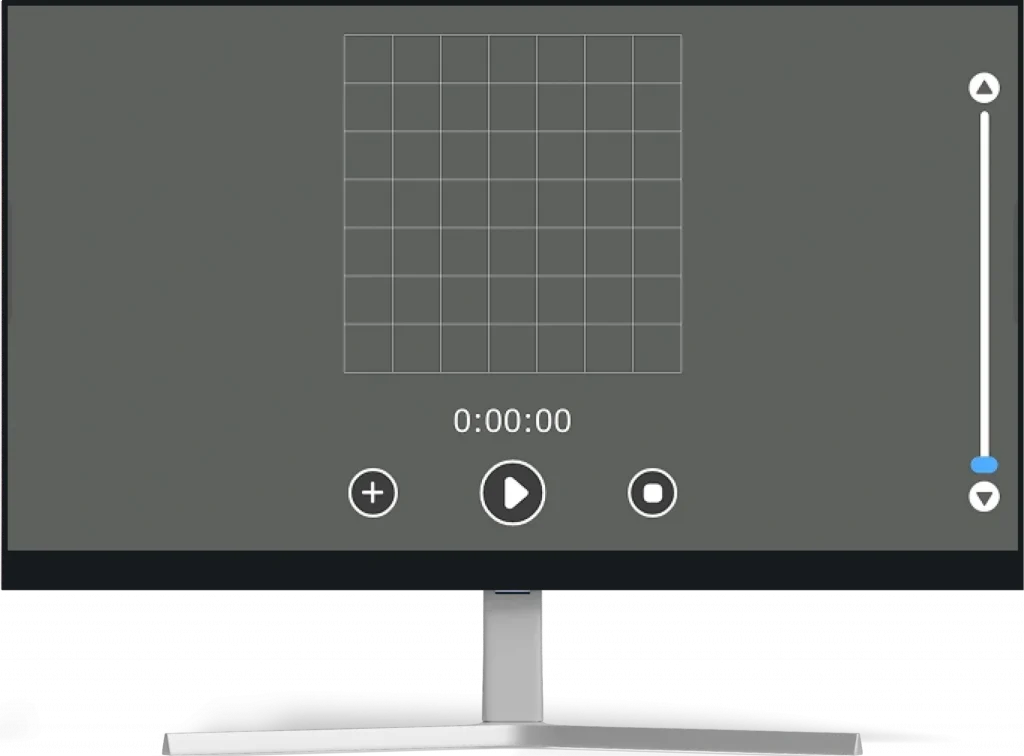
The main interface mainly includes the left menu bar, the bottom shortcut toolbar, the two-dimensional display area after model slicing, and the right real-time information display window.
Request For Quote →
Return Home Calibration : the return home process is an important step for the software to determine the coordinate system. If someone intervenes with the hardware device during the shutdown, be sure to click the return home button
after the next startup to return the system to its original state. In the process of returning to the original system, return the scraper, liquid level slider and grid plate to zero to reposition the hardware.
This interface allows users to monitor and adjust the resin level, control vacuum adsorption, and configure sampling parameters.
Use "Add Resin" to refill, "Resin Level Adjustment" to set targets, and start vacuum or sampling as needed.
All functions help ensure stable and precise conditions before printing.
a.The laser frequency is the recommended working frequency in the laser instruction manual, which should be configured according to the laser instruction manual, and should not be changed at will.
b.The value of duty cycle is 0~100%, which represents the percentage of output power and maximum power. The output power can be adjusted by changing the duty cycle.