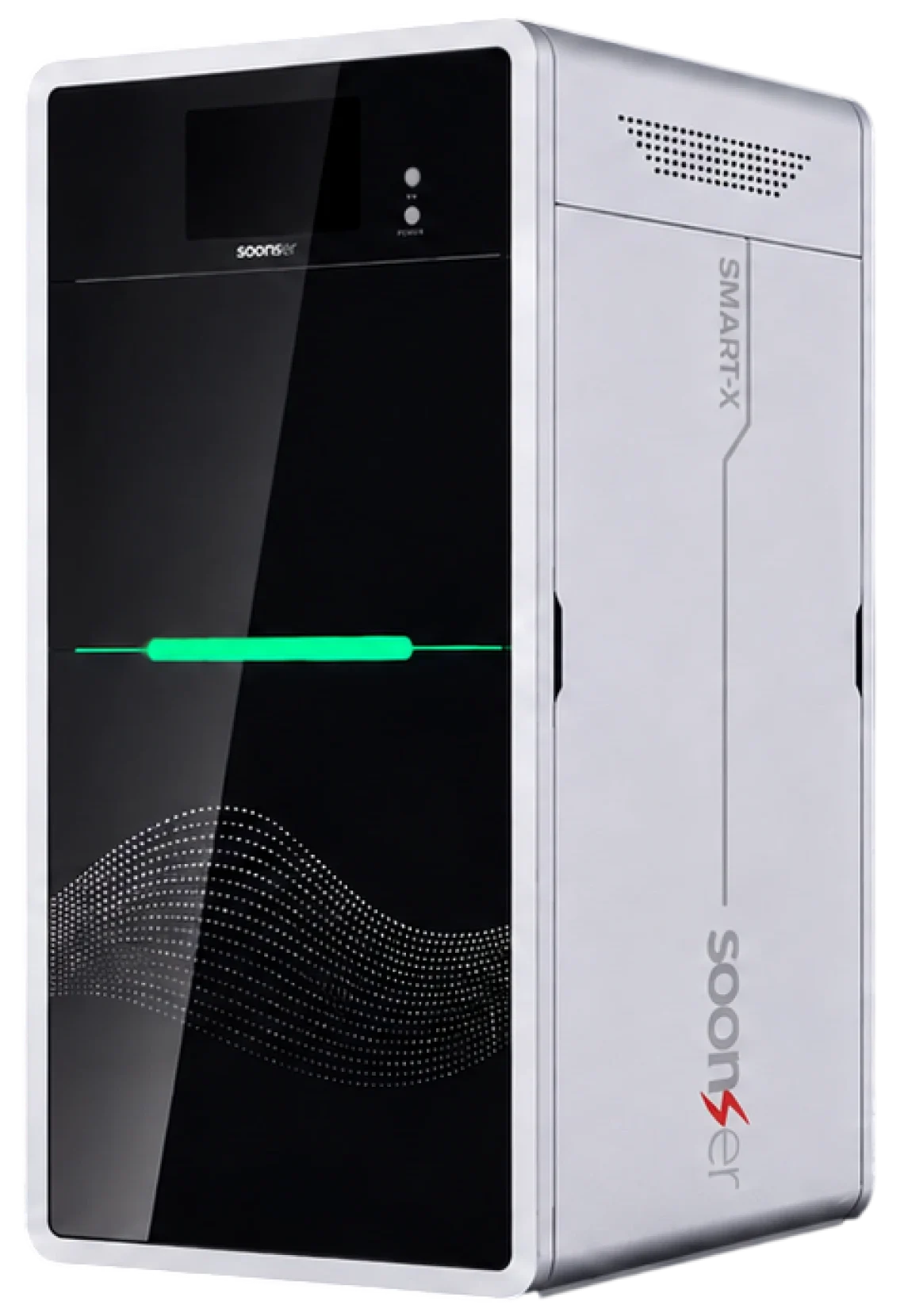
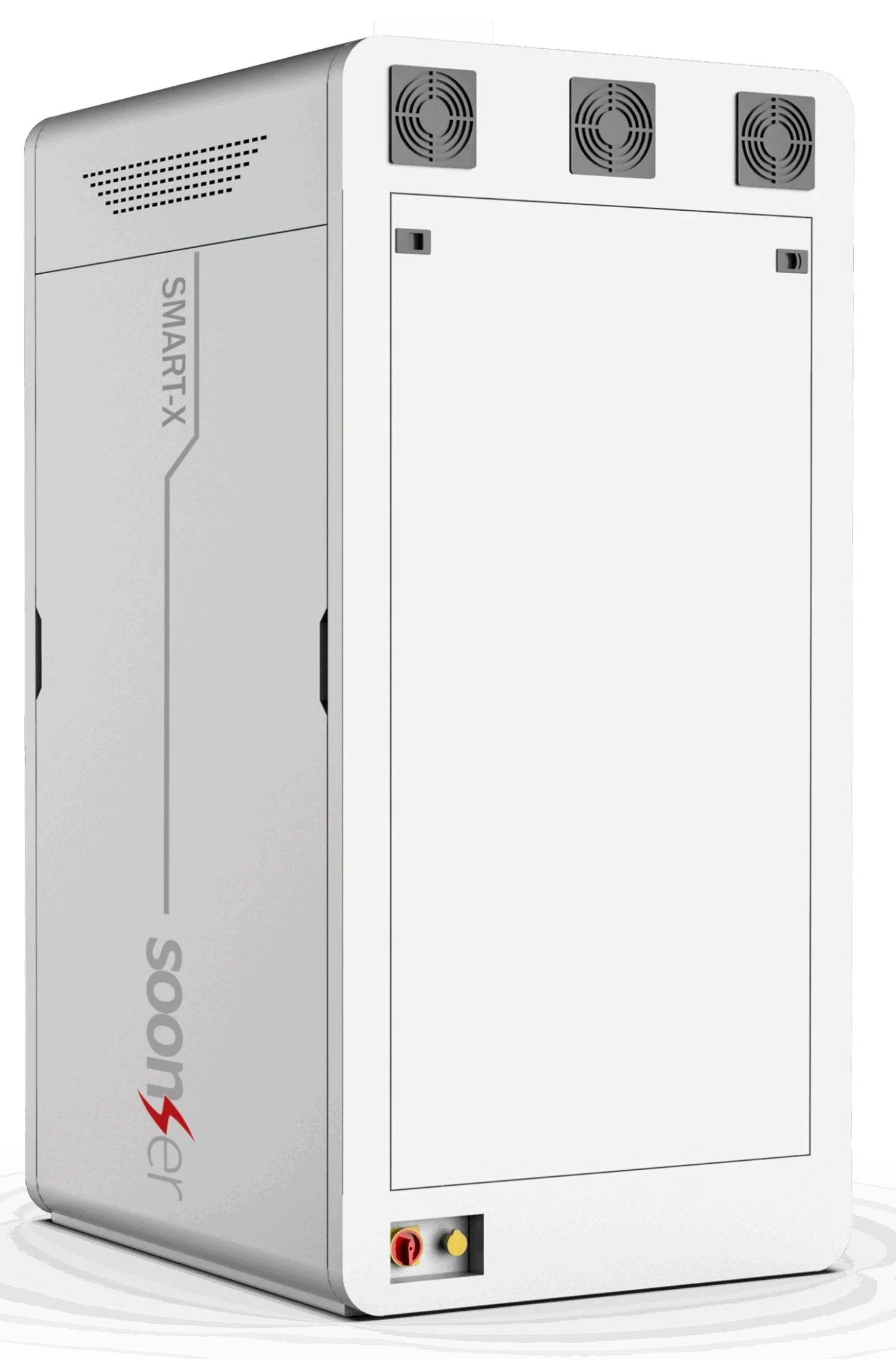
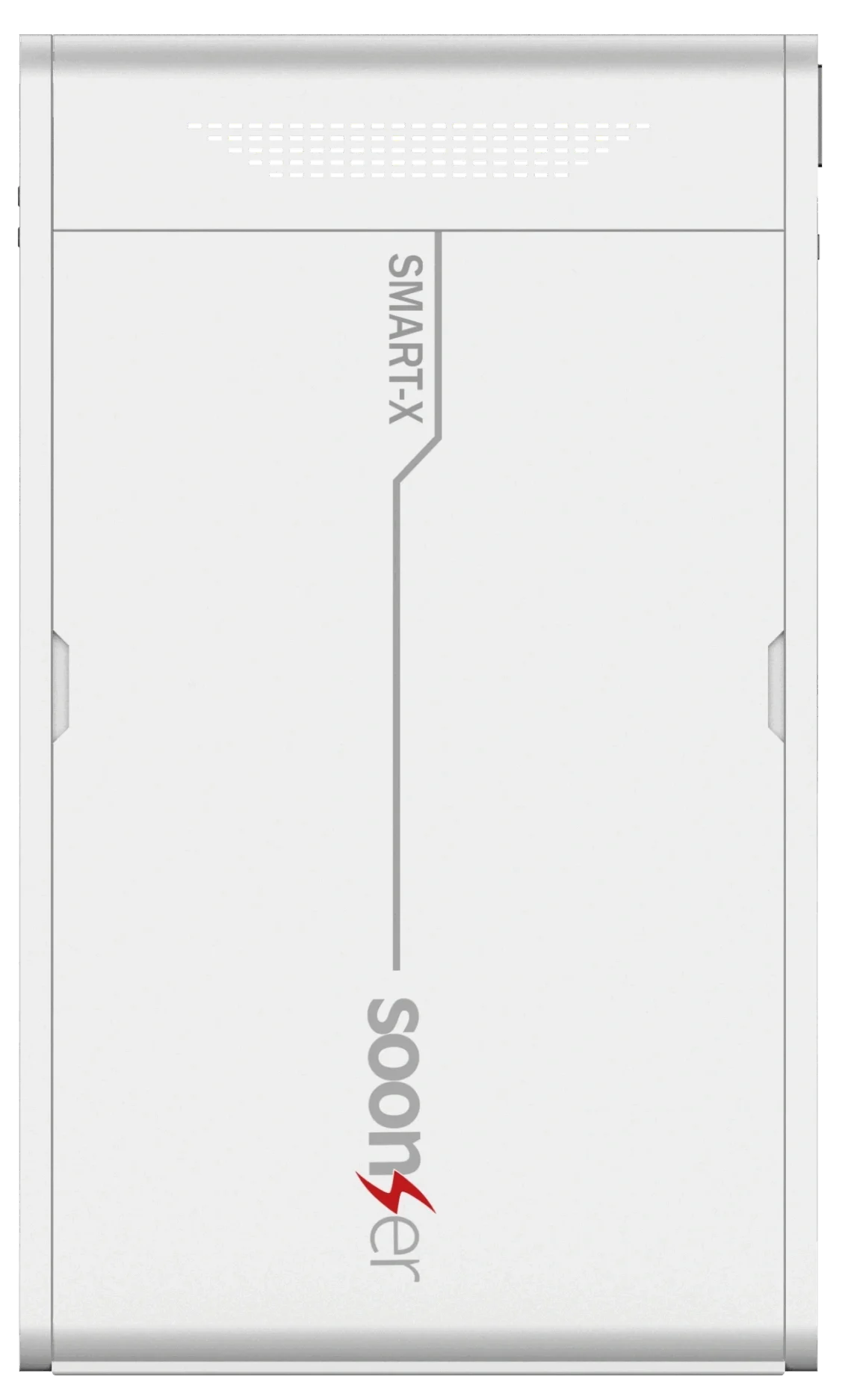
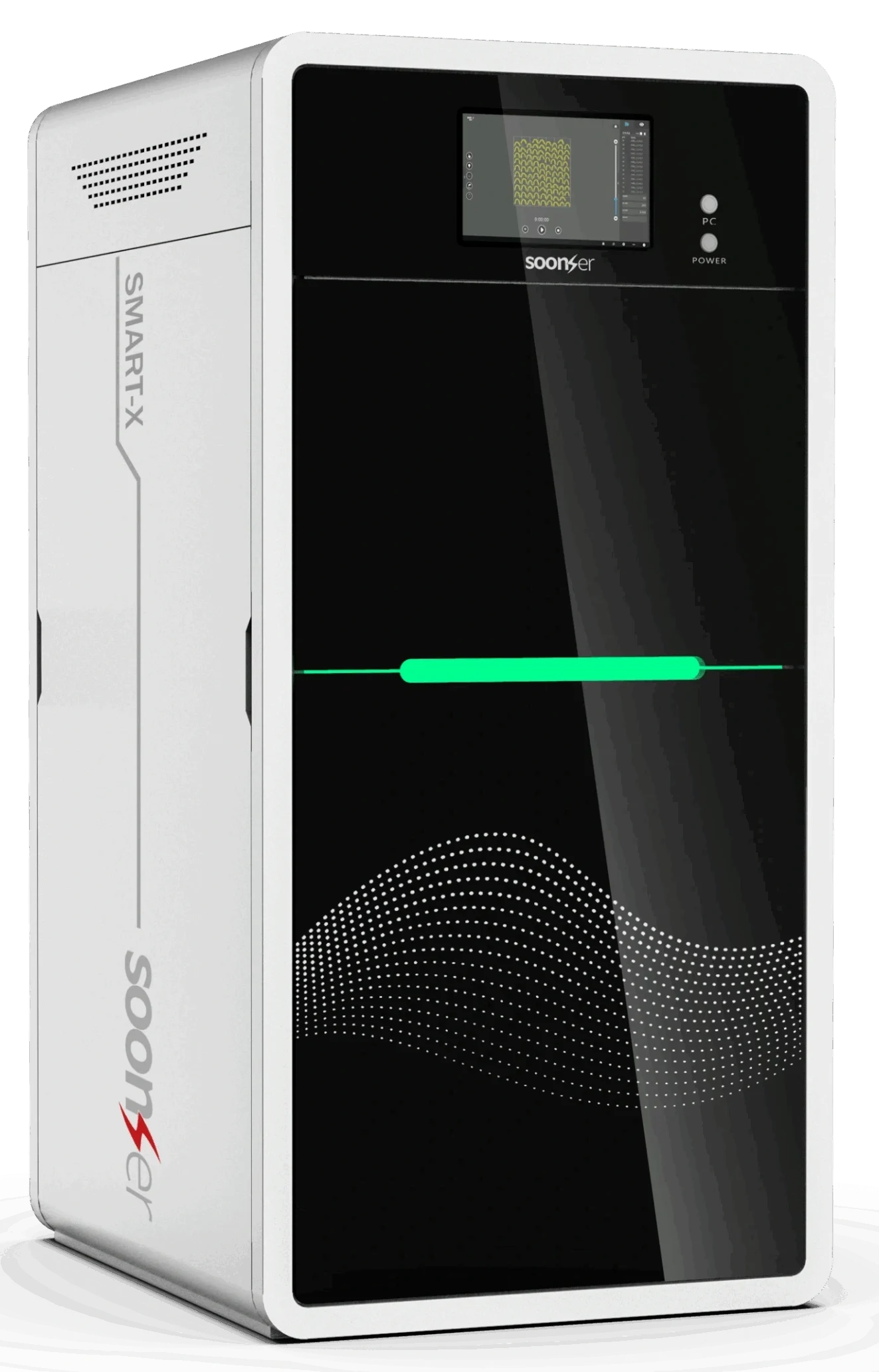
| Build Volume | SMART-300H: 300x300x250mm | SMART-400H: 400x400x300mm |
| Layer Thickness | 0.05mm – 0.2mm (Optional) |
| Typical speed 6-15m/s | 50-100g/h |
| Spot Mode | Fixed spot |
| Spot Size | 0.08mm |
| Printer Dimensions | 800mm x 980mm x 1750mm (W x D x H) |
| Printer Weight | 350KG (Without Resin) |
| Power Requirements |
200-240VAC, 50/60Hz, Single phase 1.2kW

|
Unparalleled Value – High-end industrial features at an unbeatable price point.
Reliability You Can Trust – Built to handle long print cycles with minimal maintenance.

Intelligent Features – Smart auto-leveling and a robust UI make printing effortless.

Scalable Solutions – Whether you’re a small business or a large enterprise, the SMART Series adapts to your production needs.

Quickly iterate and refine designs with high-detail prototypes

Print strong, functional components for real-world applications.

Create custom fixtures and tools to improve workflow efficiency.

A versatile, easy-to-use system for STEM education and advanced research.
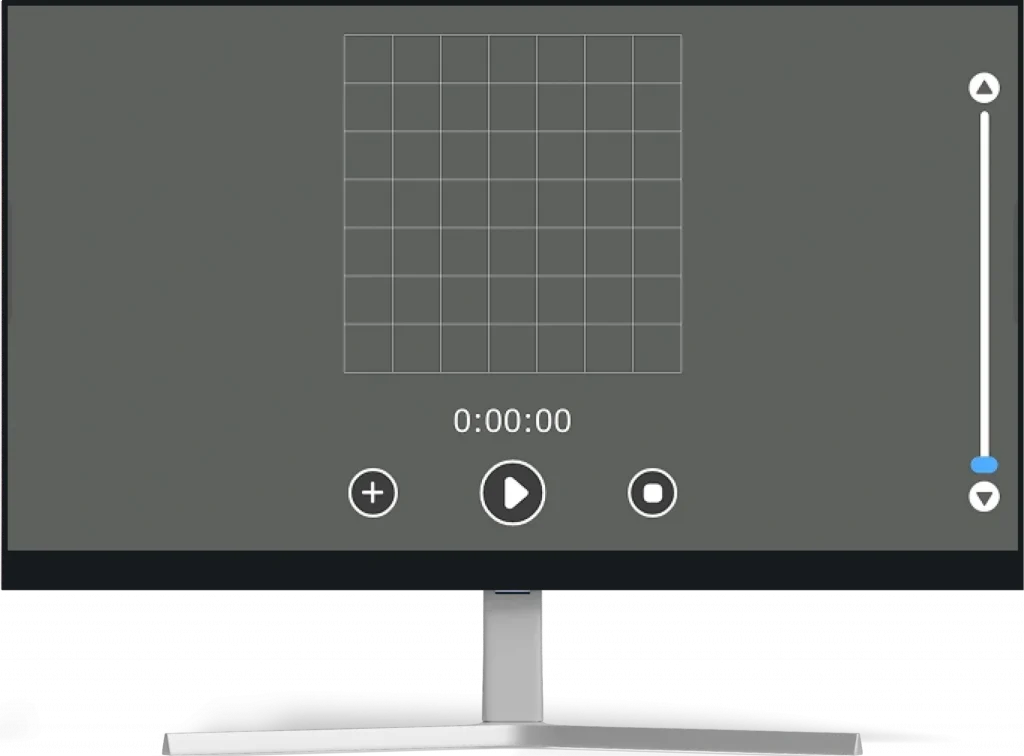
Return Home Calibration : the return home process is an important step for the software to determine the coordinate system. If someone intervenes with the hardware device during the shutdown, be sure to click the return home button
after the next startup to return the system to its original state. In the process of returning to the original system, return the scraper, liquid level slider and grid plate to zero to reposition the hardware.
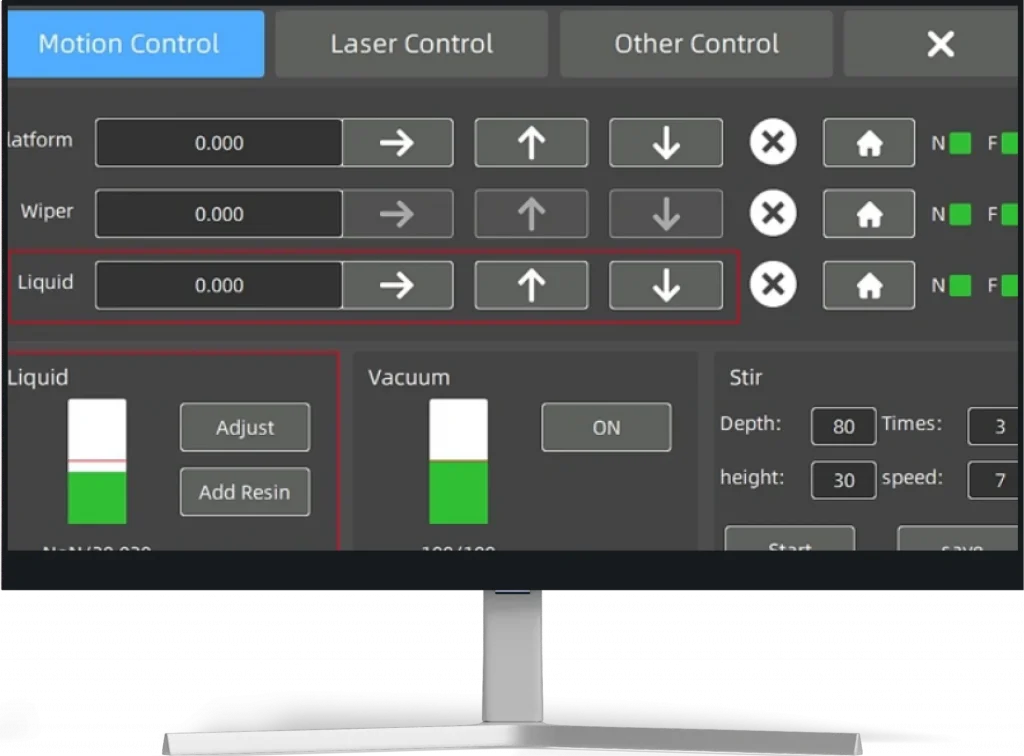
This interface allows users to monitor and adjust the resin level, control vacuum adsorption, and configure sampling parameters.
Use "Add Resin" to refill, "Resin Level Adjustment" to set targets, and start vacuum or sampling as needed.
All functions help ensure stable and precise conditions before printing.
a.The laser frequency is the recommended working frequency in the laser instruction manual, which should be configured according to the laser instruction manual, and should not be changed at will.
b.The value of duty cycle is 0~100%, which represents the percentage of output power and maximum power. The output power can be adjusted by changing the duty cycle.
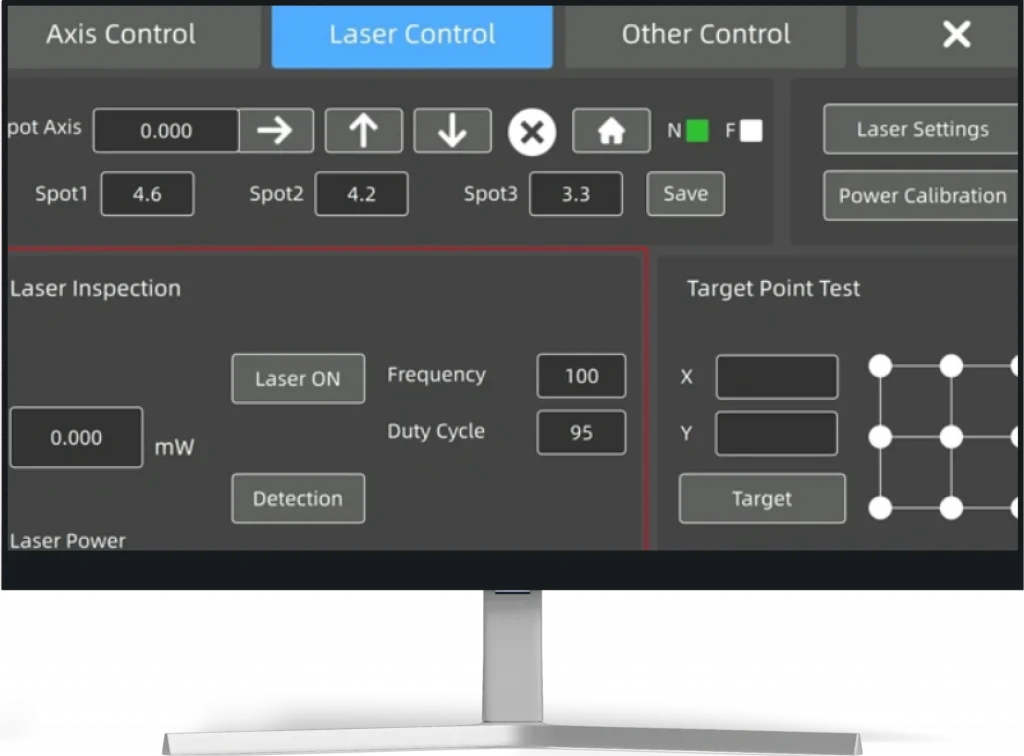
Return Home Calibration : the return home process is an important step for the software to determine the coordinate system. If someone intervenes with the hardware device during the shutdown, be sure to click the return home button after the next startup to return the system to its original state. In the process of returning to the original system, return the scraper, liquid level slider and grid plate to zero to reposition the hardware.
Request For Quote →